Changelog

Follow new updates and improvements to seatbase.

May 24th, 2026

A lot has shipped since our last update. Here's everything that's new across v1.0.1 through v1.2.1.


πŸ‘€ Redesigned User Profiles

The user profile page has been rebuilt from the ground up. Instead of scattered tabs, you now get a single view that shows everything about a person at once β€” their apps, licenses, groups, and spending β€” with summary cards and trend indicators so you can see at a glance whether usage is growing or shrinking.

User status is now visible directly on the avatar, and role badges are shown in the header so you always know who you're looking at.


πŸ€– Machine Account Detection

seatbase now automatically identifies service accounts, bots, and shared mailboxes during sync and classifies them separately from real users. This keeps your per-seat costs accurate and prevents non-human accounts from inflating headcount. Admins can also override the classification manually from the user page.


🏷️ License Grant Attribution

Every license now shows exactly how it reached the user β€” direct assignment, inherited through a group, or pushed during a sync. A new "Granted by" column makes this visible in all license lists so you always know the source without having to dig.


πŸ“ˆ License History Chart

A new interactive chart on the user profile shows license assignments over time. You can toggle between a summary view and a detailed event timeline, zoom in on a specific period, and hover over any data point to see what changed and when.


πŸ’° Cost Center Improvements

The Cost Center Reports page has a new header and an inline report generation dialog. The spending Sankey diagram now renders costs in the correct currency with proper decimal precision, and user-level cost summaries correctly handle cases where currency information is missing.


πŸ‘₯ Groups on User Profiles

A dedicated groups panel now appears on every user profile, showing which groups the person belongs to with clickable links to each group. From the same panel you can add the user to additional groups without leaving the page. Users also receive a notification when they're added to a group.


🏒 Organization Settings

You can now edit your organization's name directly from the Settings page β€” click to edit, confirm the change, and save. No separate form or page required.


πŸ“± Mobile Experience

The sidebar has been rebuilt for mobile with smoother open/close transitions, correct background handling, and a proper sheet-style overlay that doesn't interfere with page content behind it.


πŸ” Filtering & Discovery

  • License events can now be filtered by active status and by date range

  • Archived licenses are excluded from all license lists automatically

  • The discovery connector link now correctly points to the auth connectors page

May 5th, 2026

New

Our first major release β€” redesigned navigation, cost center analytics, hierarchical groups, and license lifecycle management.


🧭 New Navigation & Design

Redesigned Sidebar: A cleaner, more responsive sidebar with smoother transitions and improved dark mode β€” built to stay out of your way.

Refreshed Look: A modern typeface, consistent date formatting, and polished dashboard cards across the entire platform.


πŸ’° Cost Centers & Financial Visibility

Cost Center Reports: Generate detailed cost center reports with per-user breakdowns and unaccounted cost analysis. Visualize cost flow with interactive Sankey diagrams. Export to CSV and PDF.

Grant Source Attribution: See exactly how each license reached a user β€” direct assignment, group membership, or transfer β€” with
new cost summary cards.

Per-User Spending: A dedicated view showing cost breakdowns per user across your organization.


πŸ‘₯ Hierarchical Groups

Nested Groups: Model your organization's actual structure with parent-child groups. Licenses flow down from parent groups to subgroups automatically.

Group Grant Transfers: Move license grants between groups with a full audit trail.


πŸ“‹ License Lifecycle

Return Licenses: Revoke and return unused licenses to the pool so they can be reallocated.

License Events Export: Export full license event history for external auditing.

Grant Visibility: Every license now shows its full grant history β€” who granted it, through which path, and when.


🏒 Organization & MSP

Organization Branding: Upload your logo from settings. It appears in the organization switcher for quick visual identification.

MSP Organization Creation: Create and link new client organizations directly within the MSP portal.

Centralized Settings: A unified settings experience for organization preferences and branding.


πŸ“Š Dashboard & Reporting

Dashboard CTAs: Contextual cards guide you to the next action β€” connect an app, invite users, or review spend.

Enhanced Reports: Rename reports, streamlined downloads, and clearer title ordering.

User Table Improvements: Email column now visible; navigate directly to external user profiles from the list.

Delete Applications: Remove unused apps directly from the interface.


πŸ” Session Reliability

Auth Health Monitoring: Sessions stay valid during active use β€” fewer interruptions, fewer forced logouts.

April 20th, 2026

🏒 MSP Portal Enhancements

  • Direct Organization Creation: Managed Service Providers can now create and link new organizations directly within the MSP portal, streamlining the client onboarding process.

🎨 Organization Branding

  • Logo Support: You can now personalize your workspace by uploading and updating your organization's logo directly from the settings.

  • Visual Organization Switcher: Logos are now integrated into the organization switcher, making it easier to identify and navigate between your different teams.

πŸ“Š Reporting & Insights

  • Enhanced Reporting Experience: We've improved report management with intuitive renaming options, streamlined download prompts, and clearer title ordering.

  • License Accuracy: Improved license tracking and chart handling for more accurate visibility into your software spend and utilization.

πŸ› οΈ Stability & Performance

  • Improved Reliability: This release includes critical fixes for data synchronization, more accurate user counts and pagination, and general platform hardening for a smoother experience.

April 16th, 2026

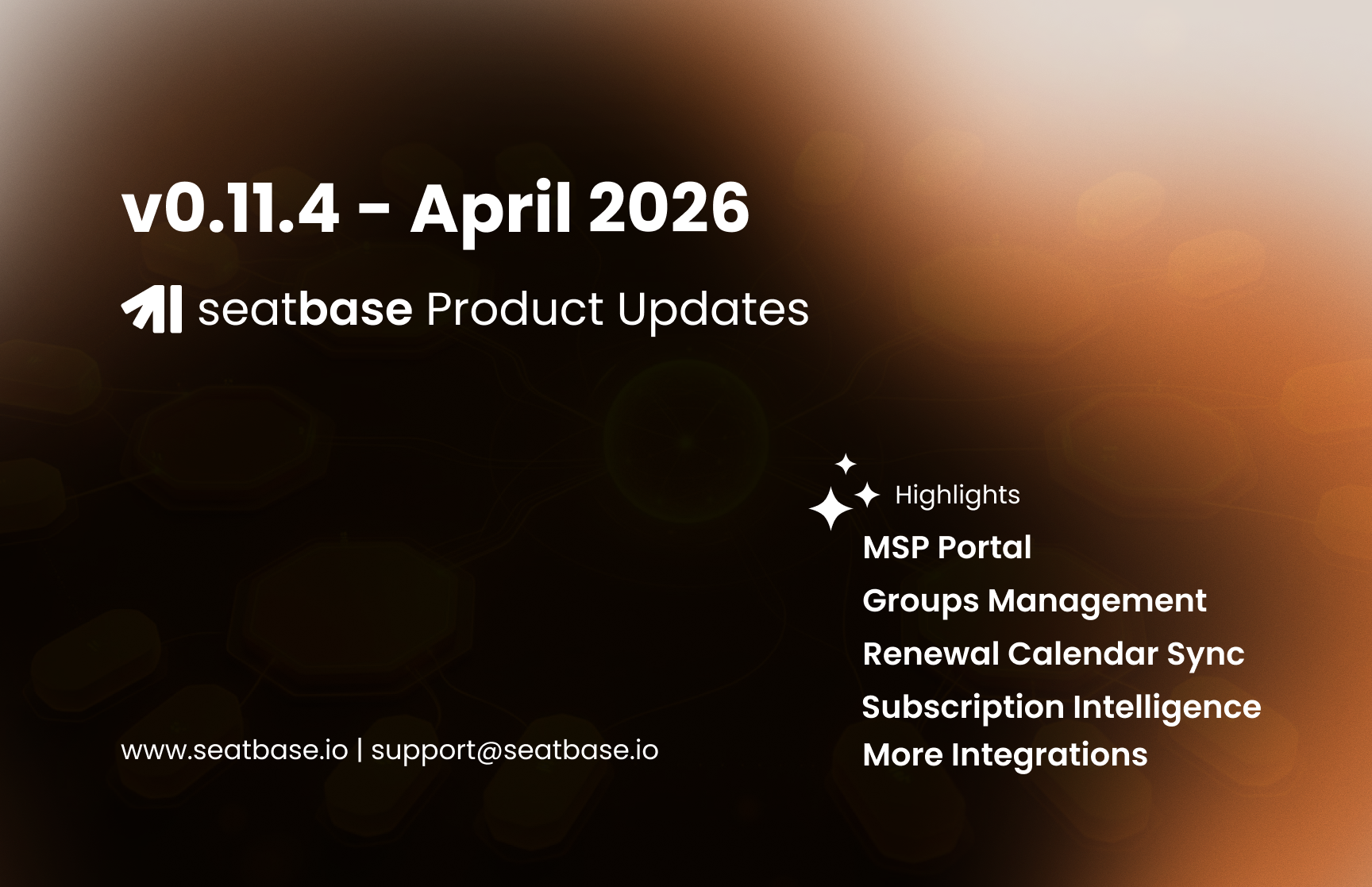
We are proud to announce the release of seatbase v0.11.4! This update introduces several major capabilities designed to streamline SaaS management for both internal teams and Managed Service Providers (MSPs).

Since our v0.11.0 milestone, we have focused on expanding the platform's reach and deepening the intelligence behind every seat and subscription.


πŸš€ Main Features

🏒 MSP Portal

Managed Service Providers can now manage multiple client organizations from a single, unified interface. The new MSP Portal includes:

  • Centralized Dashboard: Real-time visibility into organization stats across your entire client base.

  • Client Management: Seamlessly pivot between different client environments with persistent context and optimized session handling.

  • UI Polish: A refined, professional aesthetic tailored for service provider workflows.

πŸ‘₯ Groups Management

We've introduced a robust Groups system to help you organize users and licenses at scale:

  • Group Provisioning: Automated provisioning and revocation workflows for group members across integrated applications.

  • Visual Organization: Assign custom colors to groups for better distinction and visibility within the dashboard.

πŸ“… Renewal Calendar Sync

Never miss a renewal again with our new calendar integration features:

  • iCal / Live Feed Export: Generate live feeds of your renewal deadlines and sync them directly with Google Calendar, Outlook, or Apple Calendar.

  • Dedicated Sync UI: A new interface to manage your calendar exports and ensure your team stays ahead of upcoming contract renewals.

πŸ“ˆ Subscription Intelligence

We've deepened the data layer behind your subscriptions:

  • Subscription Details Page: A new, exhaustive view for individual subscriptions, mapping out costs, dependencies (via the new dependsOn field), and usage history.

  • Advanced License Charts: The Licenses Chart now supports an "All SKUs" view, allowing for high-level trend analysis across your entire portfolio.

  • Improved Cost Attribution: Hardened spending calculations ensure that even complex SKU structures are accurately reflected in your financial reports.

πŸ” Expanded Integrations & Discovery

Our discovery engine continues to grow more powerful:

  • Integration Overview: A revamped setup and management experience for integrations, featuring clearer permission badges and status indicators.

  • Discovery Hardening: Enhanced usage score formatting and improved validation within the setup wizards to ensure your discovery agents are always running at peak performance.

  • More Agents: We've continued to expand our library of supported applications and discovery agents to capture more of your shadow IT and managed SaaS.

March 23rd, 2026

🏒 Introducing the seatbase MSP Portal πŸš€

We are excited to launch the first major iteration of the MSP Portal, a dedicated environment for Managed Service Providers to oversee and manage multiple client organizations from a single, centralized interface.

What’s supported right now:

  • Centralized MSP Dashboard: A high-level command center that provides an overview of all your managed organizations, allowing you to monitor health and activity at a glance.

  • Organization Statistics: Real-time visibility into key metrics for every client. You can now track usage, license distribution, and organization-level data without needing to log in to each individual account.

  • Multi-Tenant Management: A polished UI designed specifically for switching between different client environments quickly and efficiently.

  • Enriched Organization Profiles: Detailed views for each managed organization, providing deeper context and better data for more effective client support and license management.


This portal is designed to streamline your workflow and provide the transparency you need to manage your clients' SaaS ecosystems effectively. Stay tuned for further updates as we continue to expand the MSP toolset!

March 15th, 2026

New

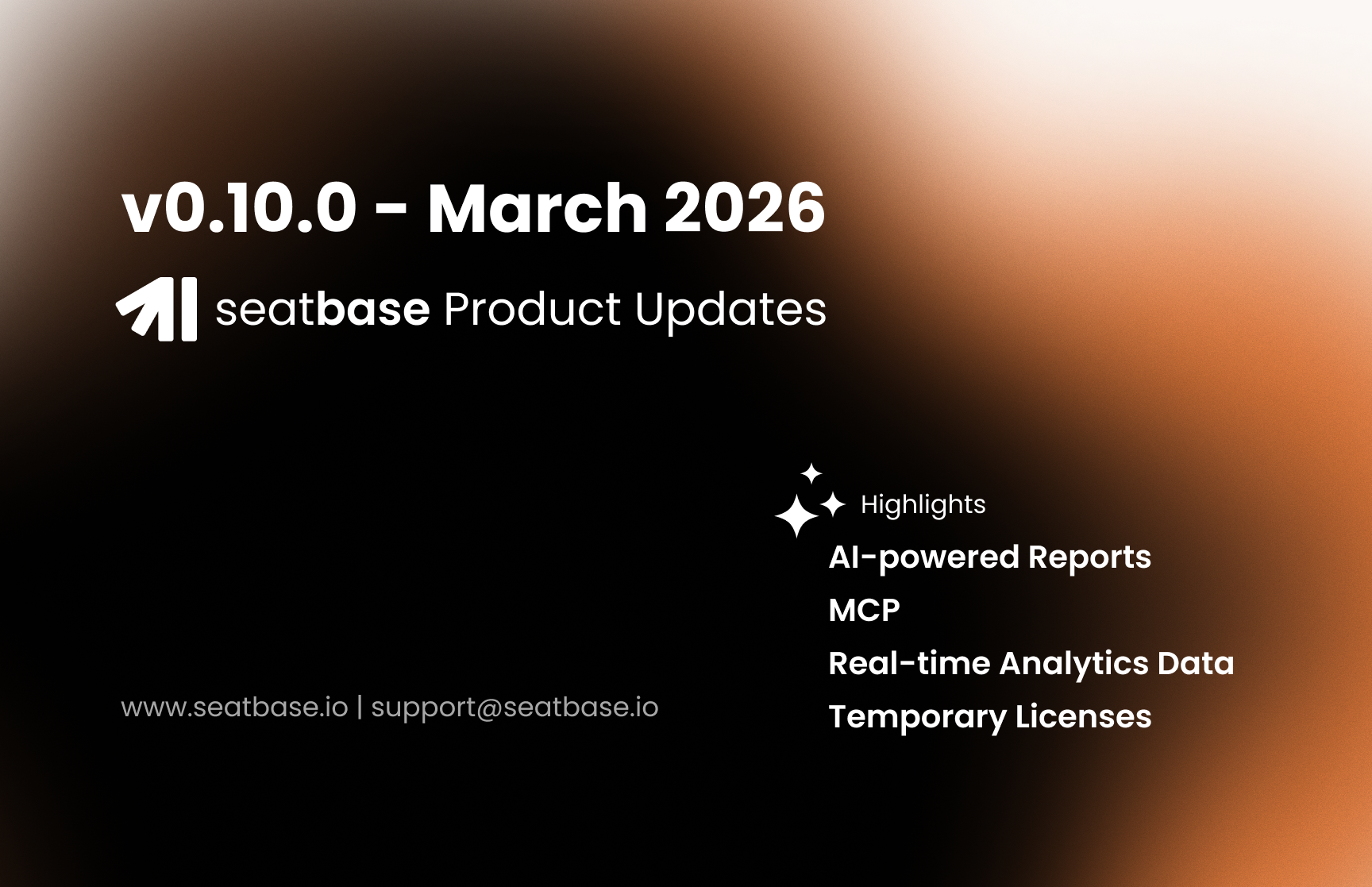
v0.10.0 is one of our biggest release yet. It brings AI-powered SaaS spend reports, a full MCP API and MCP key management UI, support for Google Workspace, smarter license controls, and a raft of reliability improvements under the hood.

Lens AI Reports

The headline feature of this release. Lens can now generate full spend intelligence reports β€” weekly, monthly, quarterly, or on demand β€” and export them as PDFs.

  • Automated scheduling: reports run on Monday mornings for weekly summaries, the 1st of each month, and quarterly/yearly cadences. No setup required.

  • On-demand generation: trigger a report manually from the Reports section at any time (up to 5 per org per month).

  • PDF export: every report can be downloaded as a PDF with charts rendered as clean tabular summaries.

The engine runs a two-phase AI pipeline: first gathering structured data across your integrations, then synthesizing a human-readable narrative with recommendations.

Lens MCP

You can now use the seatbase MCP connector to plug into AI agents and get insights and data about your licenses, users, and spendings.

We have also added an MCP Credentials UI. You can:

  • Create and manage API keys directly from Organization page

  • Immediate revocation: deleting a key revokes MCP Client's’ access

  • β€˜Last used’ tracking: see when each key was last active

  • Per-key tool scoping: restrict which MCP tools each key can invoke, directly from the UI

To learn how to connect your client, you can check our guide : https://seatbase.featurebase.app/en/help/articles/7835245-configuring-mcp-client

Temporary License Provisioning

Admins can now provision licenses with an expiry date. When the expiry is reached, the license is automatically revoked β€” useful for contractors, trial periods, or project-based access.

Google Workspace Integration

We have added support for Google Workspace. You can simply install Google Workspace from our Integrations library and get user, license, and subscription information from your Google Workspace account.

Note: The integration does not support Spendings data yet. We are working on it.

Functional Updates

User-Level License Management

Two new capabilities on the individual user page:

  • Provision a license: assign a license to a user directly from their profile

  • Revoke a license: revoke a license from the user page without navigating away

Real-Time Spend Charts

Spend snapshots are now updated by events, not just scheduled jobs. When a license is provisioned, changed, or revoked, the relevant chart data updates immediately. Dashboard trend badges now also reflect real data β€” no more hardcoded placeholders.

Human-Readable Traffic

Network traffic figures across the platform are now shown in human-readable units (KB, MB, GB) rather than raw byte counts.

Bug Fixes

  • Fixed a race condition during discovery sync that could cause duplicate or dropped records

  • Fixed trend calculation for spend widgets

  • Fixed loading of activity logs on the member detail page

  • Fixed the cancel button appearing incorrectly during app discovery loading

  • Fixed password update notification retry logic that was causing duplicate notifications


Questions?

If you have any questions about the new Groups system or the enhanced audit logs, please reach out to me at danish.shakeel@seatbase.io

March 2nd, 2026

Improved

Fixed

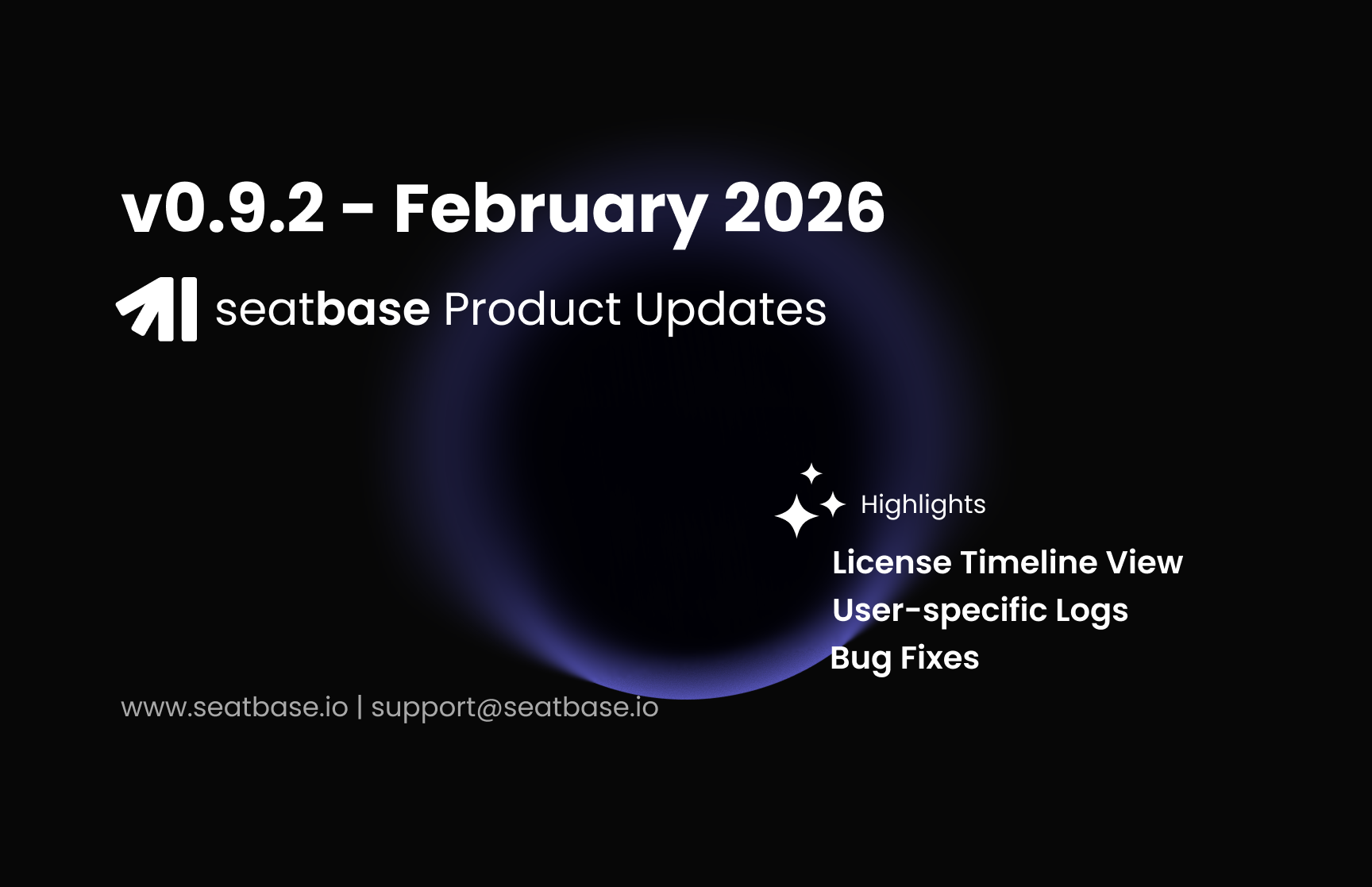
We are excited to introduce several major updates that streamline user management and provide deeper visibility into platform activity. The highlight of this release is the new Groups system, which replaces traditional teams with a more flexible, license-aware model.

Comprehensive Audit Trail

We’ve significantly expanded our logging capabilities to ensure you have a complete history of all critical actions within the platform.

  • Audit Logging for Sync Actions: Every user creation, deletion, or modification triggered by external platform syncs is now recorded in a dedicated audit log.

  • User Activity Logs: A new "Logs" tab has been added to the Single User page, providing a granular view of every action performed by or on that specific identity.

  • License Events Timeline: We’ve introduced a visual timeline for license events. You can now see a chronological history of assignments, revocations, and status changes for any user at a glance.

Functional Updates

License Requests

  • Subscription Selection: The license request form now supports specific SKU (subscription) selection, allowing for more precise provisioning.

  • Capacity Warnings: Integrated capacity checks now provide real-time warnings if a subscription is at or near its limit during the request or provisioning process.

  • Enriched Request Views: Request lists and info cards now include detailed subscription badges and capacity indicators.

Performance & UX

  • Case-Insensitive Search: We have converted key database fields to be case-insensitive, ensuring that searches for users, groups, and apps are more forgiving and accurate.

  • Improved Asset Handling: Refined app icon URI handling across the platform for a more consistent visual experience.

  • Optimized Cache Invalidation: Enhanced cache strategies for applications and licenses to ensure that data remains fresh without sacrificing performance.

  • Dashboard Trends: Fixed trend calculation on dashboard widgets.

Breaking Changes (API & Schema)

  • Team Model Removed: The Team model has been deprecated and replaced by the Group model. API consumers should migrate from /teams to /groups endpoints.

  • LicenseGrant Integration: The internal license tracking schema now requires a LicenseGrant record. Existing licenses have been backfilled with a default SYNC grant source.

Snapshots and Scheduled Jobs

  • Backfilling Missing Data: Our schedulers auto-heal and backfill any missing data.

  • Performance Enhancements: Made several bug and performance fixes to ensure more accurate and robust data.


Questions?

If you have any questions about the new Groups system or the enhanced audit logs, please reach out to me at danish.shakeel@seatbase.io

February 17th, 2026

New

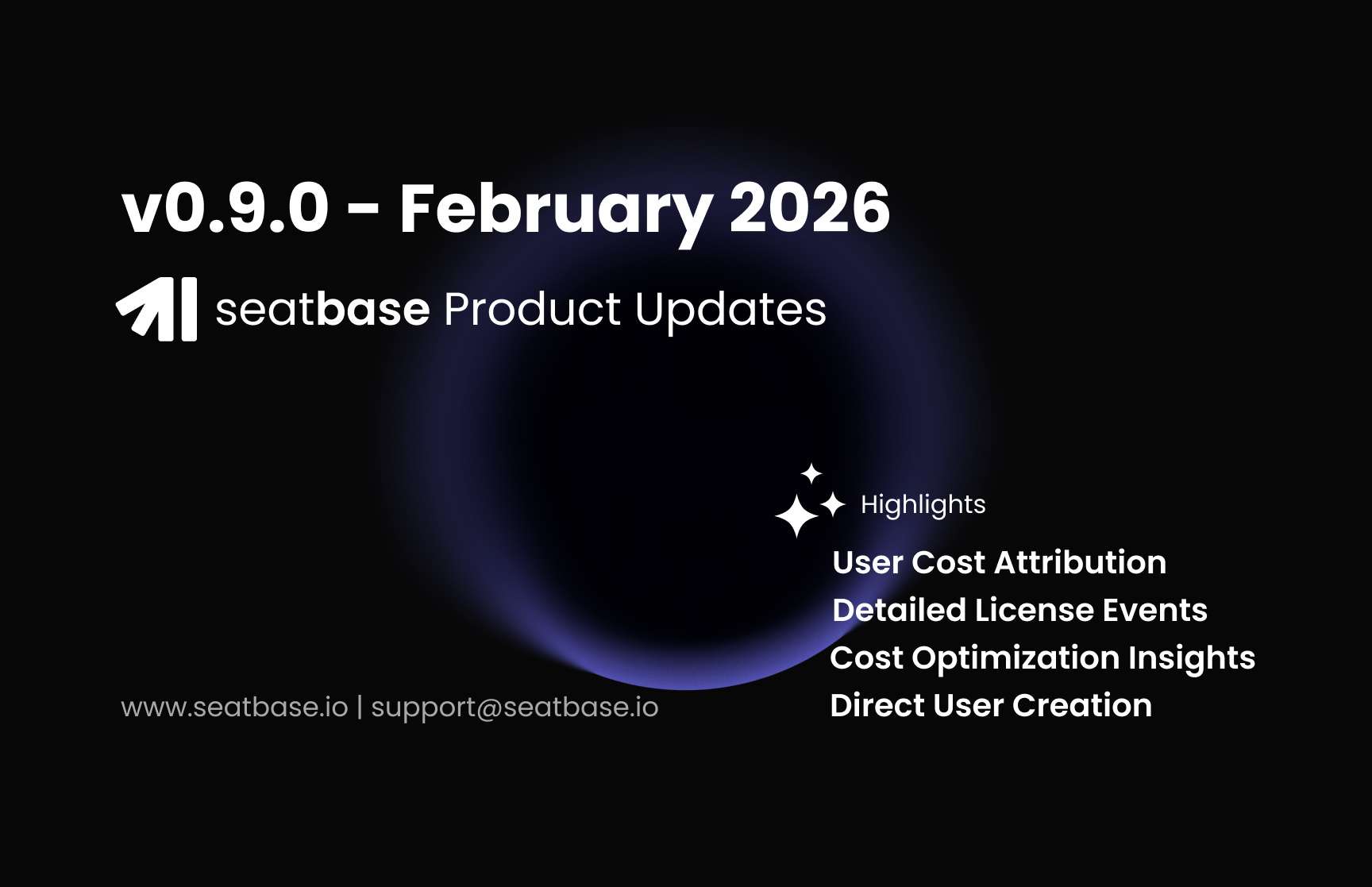
User Cost Attribution

We now calculate license costs based on the specific duration of assignment. Instead of monthly snapshots, the system tracks when a license is assigned and revoked, providing precise, time-weighted cost reporting for each user. The user-apps report now reflects actual spend per seat, accounting for mid-cycle additions and removals.

License Events

We have overhauled the license event tracking system to provide a more reliable audit trail for seat lifecycle actions. This includes a new management view and a normalized data schema.

  • License Events Table: A new dedicated table in the management console for reviewing historical license assignments, revocations, and status changes.

Functional Updates

User Management

  • User Wizard: Unified flow for simultaneous user creation and platform access assignment.

  • Access Filter: Added a "No Access Users" toggle to the user list to filter out identities without active platform permissions.

  • Default Sorting: All user management views now sort by name by default.

  • Notification Scoping: Subscription options are now restricted based on the user's specific platform access permissions.

Cost Optimization

  • Integrated insights now flag "Inactive Users with Licenses" based on assignment duration and activity data.

Dashboard & Reporting

  • Date Range Filtering: The Total Spendings widget now supports custom date ranges for historical auditing.

  • Spend Summary: Added a total spendings summary to the reporting interface for quick reconciliation.

Performance & Infrastructure

  • Spending Snapshots: Implemented pre-computed aggregates for spending data to reduce query latency.

  • Database Optimization: Added composite indexes for license events and user-app reports.

  • Cache Management: Refined action caching and license cache invalidation logic.

Breaking Changes (API & Schema)

  • LicenseEvent Schema:

    • performedByUserId renamed to actorId.

    • subjectUserId renamed to subjectId.

    • performedBy column removed (use actor.email relation instead).

  • Numeric Data: change and changePercent fields in reporting APIs are now cast to floats for improved precision.

Questions?

If you have any questions, please reach out to me at danish.shakeel@seatbase.io